Icons For Mac
- Icons For Mac Desktop
- Icons For Mac Desktop
- Mac Os X Icons Free
- Girly Icons For Mac
- Icons For Mac Dock
- Icons For Mac Free
Mac Icons - Download 203 Free Mac icons @ IconArchive. Search more than 600,000 icons for Web & Desktop here. Icons is an incredible time saver that allows you to easily generate various sized icons while offering a brilliant set of features to further enhance your icon's appearance. Icons is one of the first native Mac Apps for previewing and generating iOS device icons. How to Locate & Access All Mac OS X System Icons Open a new Finder window from the Mac OS X Desktop and hit Command+Shift+G (or go to the 'Go' menu and choose 'Go To Folder'. Paste in the following complete file system path in Go To Folder. Choose 'Go' and you’ll instantly be brought to the.
There are a lot of Premium Icon Editors you could use, but if you look deeper there are FREE Icon Editors that are just as powerful (in some cases more so) as premium versions, easier to use than Photoshop or Illustrator, and can create amazingly polished professional icons.
Free mail apps for mac. Here are my top 5 FREE Icon Editors:
1. IcoFX 1.6
URL: http://icofx.ro/.
Features: Support for Vista icon with PNG compression; Create icons for Windows 98 / ME / 2000 / XP / Vista; Support for Mac OS X icons; Convert Macintosh icons to Windows icons; Create icon libraries; Create favicon for websites or blogs; Easily convert images to icons; Add, change or delete icons inside exe files; Support for transparency (alpha channel); Batch processing for import, export and extract; Multiple language support; More than 40 effects + custom filter; Resolutions up to 256×256; Data types: 2, 16, 256, True Color, True Color + Alpha; Extract icons from 32 bit exe and dll; Import and export images; Transparent, Brighten/Darken, Blur/Sharpen tools.
View: This is by far the the best Free Icon Editor, with its feature list seemingly endless and the quality of the end product pheneomenal. Recommended.
2. Iconmaker
URL: http://free-icon-editor.com/.
Features: Create and edit icons in either standard or custom sizes, in color depths up to 16 million colors. Standard icon sizes are 16×16, 32×32, 48×48; Make icons with transparency; Make icons for Windows XP in 32-bit color depth with 8-bit alpha channel; Paint images with pen, brush, airbrush, ellipse, rectangle, line, curve tools; Roll, shift and rotate images; Import and export .ico, .png, .xpm, .xbm, and .icpr formats; Sort images inside icons; Copy and paste images to other applications; Test icons.
View: Strictly speaking this isn’t free, but you do have a 30 day free trial. Overall this is an excellent editor, not as good as IcoFX, but very powerful and professional all the same.
3. IconDeveloper
URL: http://www.stardock.com.
Features: Create & Edit Small Sized Icons (16×16); Create & Edit Standard Sized Icons (32×32); Scale Icons to different formats; Convert PNGs to icons; Create & Edit Windows XP formatted icons; Right click on images from Explorer and convert to icons; Convert images from clipboard (copy & paste) into icons; Create & Edit Very Large Sized Icons (48×48); Create & Edit any sized icons (any resolution, up to 256×256!).
View: There is also a premium version from Stardock which offers a few more features, the free version offers enough to make it a very good good editor. The interface looks amazing, making it the easiest editor to use.
4. aaIco Icon Editor 3.0
URL: http://www.xceedz.com….
Features: This hasn’t got as many features as the rest, but is a great little icon editor, that will create basic icons. This would be great for the novice designer.

5. Greenfish Icon Editor Pro (version: 1.51)
URL: http://greenfish.extra.hu/downloads.php.
Features: Easy to use, lightweight, requires no installation (portable); Supports file drag and drop; Has multilanguage support (included: English, Chinese, French, German, Hungarian, Italian, Japanese, Korean, Norwegian, Polish, Portuguese (Brazilian), Serbian, Spanish); Help also available in French, separate download; Click here to help us by translating the program; Sample documents are included; Uses dynamic color depth; Opens and saves in ICO, CUR, ANI, PNG, XPM, BMP and JPEG formats; Can create icons and cursors up to 256×256 @ 32-bit, which can also be PNG-compressed for use in Windows Vista(tm); Can create animated cursors; Can handle images up to 1024×1024 and larger; Can extract icons and cursors from executable files and icon libraries; Can batch convert image files to icons, or to another image format; Has advanced selection handling (marquee, lasso and wand tools, saving/loading selections from files); Offers various gradient styles for filling shapes; Lots of filters including Remove matte, Drop shadow, Inner/Outer glow and Bevel.
View: The interface isn’t as polished as IconDeveloper, not as easy to use as the rest (thats why I haven’t got it at Nu.1), but my god look at the feature list. This is an editor for the pro.
Related Posts
Where do you see status icons
Status icons appear in the status bar on your iPhone. On iPhone X and later, the essential icons appear in the top-left or top-right corner of the screen. If you don't see an icon, check Control Center by swiping down from the top-right corner.
iPhone X and later
iPhone 8 and earlier
About the status icons on your iPhone
You’re in range of your cellular network and can make and receive calls. If there’s no signal, 'No service' appears.
On your iPhone with Dual SIM capability, you’re in range of your cellular network and can make and receive calls. If there’s no signal, 'No service' appears.
Your carrier’s LTE network is available, and your iPhone can connect to the Internet over that network. (iPhone 5 and later. Not available in all areas.)
Your carrier’s 5G E network is available, and your iPhone can connect to the Internet over that network. Works with iPhone 8 and later. (Not available in all areas).
Your carrier’s 3G UMTS (GSM) or EV-DO (CDMA) network is available, and your iPhone can connect to the Internet over that network.
Your carrier’s 4G UMTS (GSM) or LTE network is available, and your iPhone can connect to the Internet over that network. (Not available in all areas.)
Your carrier’s GPRS (GSM) or 1xRTT (CDMA) network is available, and your iPhone can connect to the Internet over that network.
Your carrier’s EDGE (GSM) network is available, and your iPhone can connect to the Internet over that network.
You can use Wi-Fi calling. Your carrier also appears next to the icon.
Your iPhone is connected to the Internet over Wi-Fi.
An app or website is using Location Services. A hollow means that an item may receive your location under certain conditions.
Icons For Mac Desktop
Airplane Mode is on. You can’t make calls or use Bluetooth until you turn off this setting.
Format external drive for mac. Mar 22, 2012 Most external hard drives (HD) are sold in a format called NTFS, which is designed to work with Windows. Macs read and write to a different format, called HFS+. Oct 27, 2017 Now your external drive has been formatted to be fully compatible with Apple MacOS, and you can edit, read, and write files to it as you want. How to Partition an External Hard Drive on Mac. If you want to create multiple partitions on your external hard drive (in fact, you should for better file organization), here’s a step-by-step guide. Sep 26, 2018 Sometimes, you may want to try Format directly to format your external hard drive partition to exFAT for Mac and Windows. However, it is not possible to format hard drive to exFAT, the only option under the window of Format - File system is NTFS (Default).
Icons For Mac Desktop
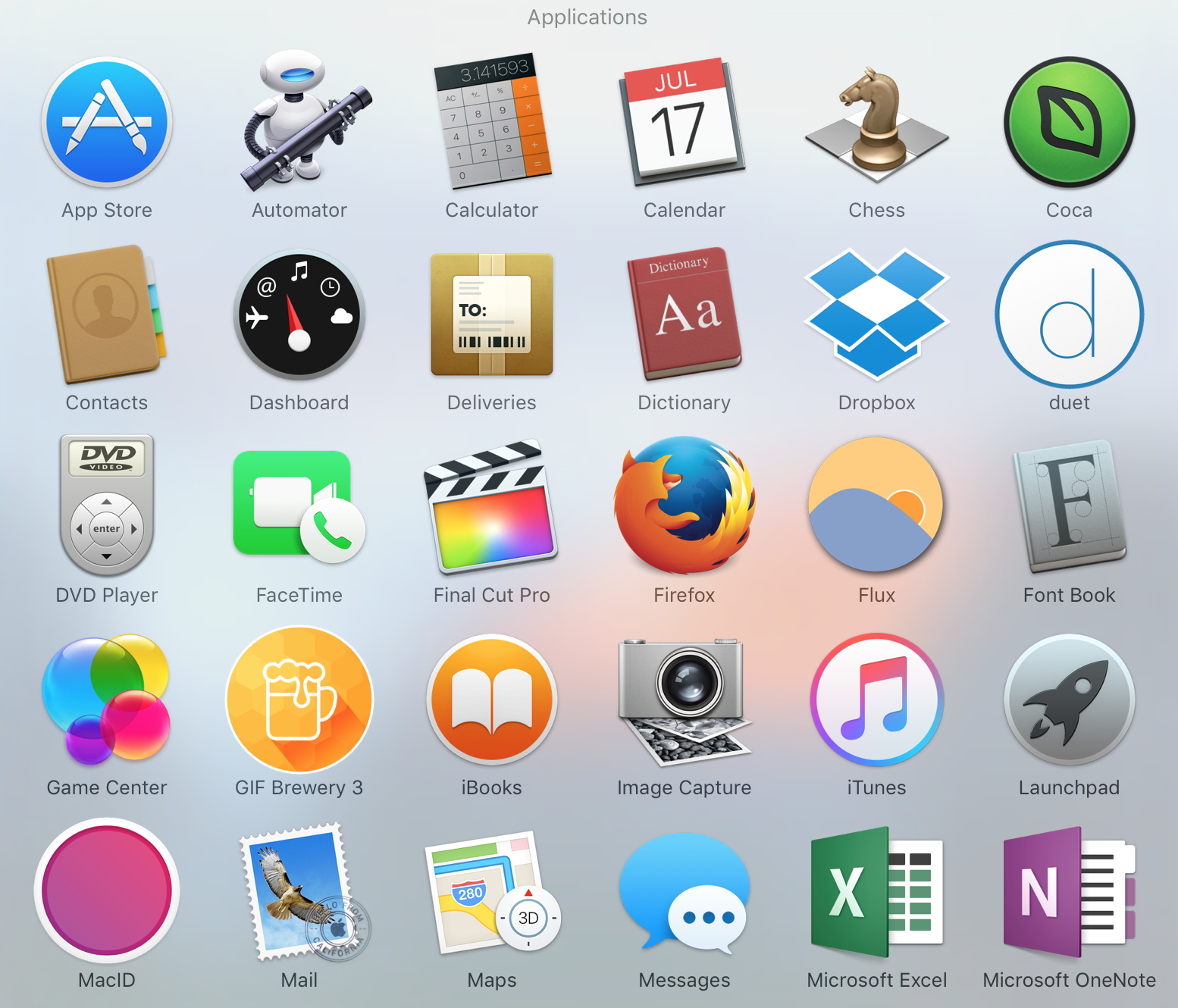
Mac Os X Icons Free
Orientation Lock is on. Your screen won't rotate until you turn off this setting.
Girly Icons For Mac
Do Not Disturb is on. This setting silences calls, alerts, and notifications until you turn it off. Alarms will still sound.
Your iPhone is locked with a passcode or Touch ID.
Your iPhone is paired with a wireless headset, headphones, or earbuds.
This icon shows the battery level of your iPhone. If this icon is yellow, Low Power Mode is on. If this icon is red, then your iPhone has less than 20% charge.
The battery level of your paired Bluetooth device.
Your iPhone is connected to the Internet through the Personal Hotspot of another iOS device.
If you see blue, green, or red in the status bar
On iPhone X and later, the color shows as a bubble behind the time. On iPhone 8 or earlier, the color goes all the way across the status bar. Here's what each color means:
Your iPhone is either providing a Personal Hotspot,* Screen Mirroring, or an app is actively using your location.
Icons For Mac Dock
Your iPhone is either recording sound or your screen.
Icons For Mac Free
* For Personal Hotspot on iPhone 8 or earlier, you can also see how many devices joined your hotspot. appears in the status bar of iOS devices using Personal Hotspot.
About other icons in Control Center
Learn about the icons in Control Center on your iPhone.