Samsung Smart Switch For Mac
- Samsung Smart Switch For Macbook Pro
- Samsung Smart Switch For Mac Download
- Samsung Smart Switch Pc Version

By Selena KomezUpdated on March 29, 2018
Samsung Smart Switch For Macbook Pro
The Huawei P20 and its two sister models, the P20 Pro and P20 Lite, have finally made their debut at a launch event in Paris. It may be to Huawei’s benefit that its top competitors, Samsung and Apple, have released smartphones that are only iterative improvements over previous models, with the exception of the iPhone X. Meanwhile, with the P20, Huawei has made a major design change and introduced plenty of new technology, especially with the camera. That could make it worthwhile for users, not to mention its competitive price.
To transfer content using Smart Switch for Mac, you will need 1) A Samsung mobile device with Android OS version 4.3 or later 2) An old device that meets one of the following requirements. Samsung Smart Switch app can be installed both on a Windows machine or a Macintosh. Gladly, both of these iterations have identical features and work efficiently. Download Samsung Smart Switch.
Huawei is a fast follower. If you have an Android phone, you might want to change to a new Huawei P20 for upgraded. Buying a new phone always meant excitement. However, when coming to how to transfer data from your old Android phone to the new one, you must be annoying. To switch data between two phone, you may first transfer files from the old Android to computer, and then copy them from computer to new Huawei device. But that is quite troublesome and not workable for other types of data such as contacts and text messages. Perform the data transfer with wrong method may cause data loss issue and you have to search ways to recover lost data from device. Here is another better way suggest you to try.
One Click to Sync Android Data to Huawei P20
A well-known phone transfer tool called Android & iOS Toolkit – Phone Switch is recommended for you, which can be used to transfer data between Android and Huawei P20 with only one click. The transferable types of data including contacts, call logs, text messages, photos, music, videos, calendar, apps. It’s a Android & iOS data manager tool enables to switch files between two mobile device no matter it run the same OS or not. Besides to transfer data, it allows to backup and restore device on computer, wipe data from device permanently before selling. This smart program works well for all mobile device based on any OS, like Android OS, iOS, Symbian OS.
How to Import Data from Android to Huawei P20
Step 1. Run Program and Connect two Phones to Computer
This Android & iOS Toolkit – Phone Switch comes with Windows and Mac versions. Just download the right version according to your computer. Install and launch it, and then connect your new Huawei and old Android phones to the computer via USB cables.
Step 2. Choose Transfer Option and Select Files to Transfer
Choose the “Phone to Phone Transfer” feature and click “Start” option in the below to enter the phone transferring window. Then, the program detects the two phones and displayed them side by side. The old Android should be on the left as the output device and the new Huawei should be on the right as the import device. You could click “Flip” to change it if the position is not right.
Microsoft edge for mac. Jul 29, 2019 We may earn a commission for purchases using our links. Microsoft Edge browser on Mac now supports Read Aloud Users can now. Nov 29, 2017 'Microsoft Edge is a private web browser that lets you search the web, block ads and personalize your browsing experience. Microsoft Edge creates one continuous browsing experience for Windows 10. users across their devices. Cut through the. Microsoft Edge is the only browser that supports both 4K Ultra HD 10 and Dolby Audio 8, giving you a crystal-clear, cinematic experience. The Microsoft Edge Web Showcase Program partners with organizations worldwide to highlight exciting new ventures and showcase web technology. May 20, 2019 Microsoft is officially making its Edge for Mac browser available in preview. The browser will be identical to the Windows variant, and developers can now try out daily Canary builds of Edge for.
Select the files you need to transfer between two phones, here contacts, call logs, text messages, photos, music, videos, calendar, apps are available.
Step 3. Start Android to Huawei Transfer
Just click “Start Transfer” to start the transferring process. In the pop-up progress bar, you can check out the progress of data transfer.
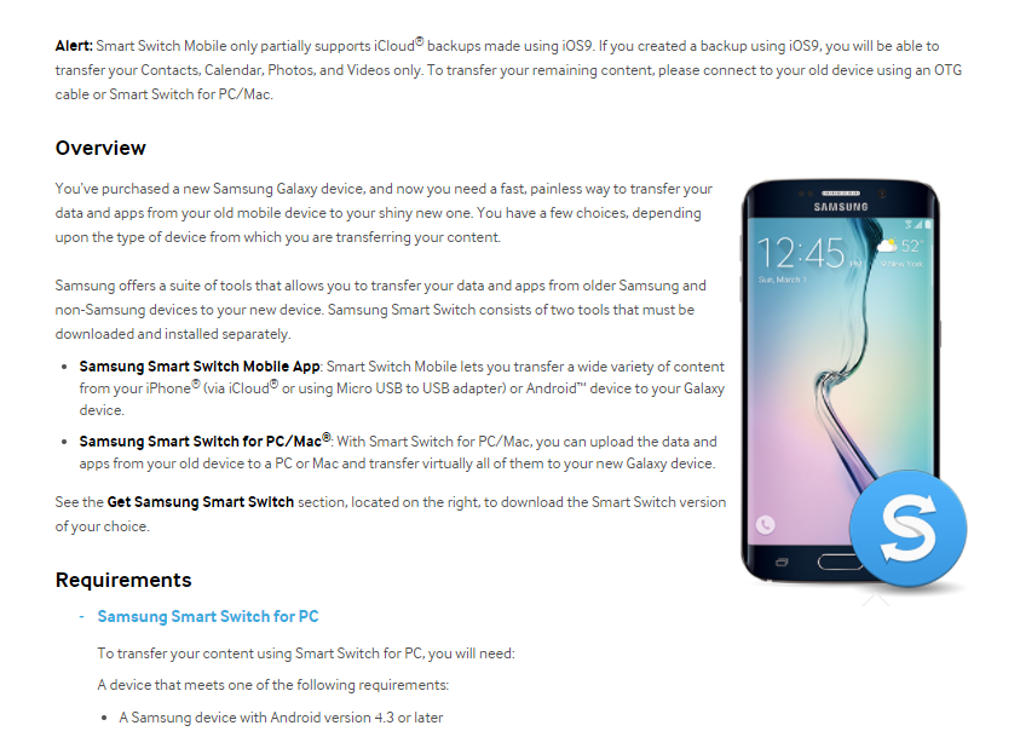
Samsung Smart Switch For Mac Download
More Guides you may be Interested in:
 They’re also available in a wide variety of sizes from 120GB up to 1TB and beyond, to ensure you always have enough space to store all of your memories and important files. Amazon.co.uk: External Hard DrivesBack up your important files, photos, films and music with an external hard drive from the Amazon.co.uk External Hard Drive page. Shop a wide variety of models including external hard drives from brands such as Western Digital, Samsung, Toshiba, Seagate and Transcend, in a wide variety of memory sizes to suit your data-storage needs.External hard drives come with a range of features and can be portable, ultra-slim and wireless.
Comments
Prompt: you need to log in before you can comment.
No account yet. Please click here to register.