Google Keep For Mac
Transferring notes from one platform to another can be a tedious task. I just did something similar when I decided to stop using Evernote in favor of Google Keep. And believe me, the process wasn't a glorious one.
As a Google Keep user, I have to warn you that the process is not straightforward since there is no direct import or export option available. The note-taking app doesn't come with an API, and hopefully the Google Keep devs will finally provide it soon.
Continuing with our problem, let’s take a look at how to transfer all iPhone notes to Google Keep. Whether you are moving from iPhone to Android-based smartphone or you want to use both platforms on a daily basis — the notes should be in sync.
Wirecast Pro 10 for Mac allows you to use Desktop presenter for broadcasting your own desktop if you require to display Keynote or the PowerPoint presentations, online interviews, games streams and product demonstrations. You can also download.Wirecast Pro 10 for Mac can be used with loads of different camera inputs ranging from web cams to the SDI cameras to IP and web-based sources. Wirecast Pro 10 for Mac supports up to 35 different layers for live compositing which means you can place watermarks, background music and various other visual elements over your webcast. Wirecast for mac. All you have to do is to plugin your device and Wirecast will recognize it as live feed automatically. This application provides you the required tools for capturing the video, encoding it and broadcasting it to multiple different servers and platforms simultaneously.
Dec 03, 2018 But, Don’t worry, here are two Google Keep Desktop Editions you can use without extra setups. I f you are looking for Google Keep for Desktop, I have to say Google doesn’t offer such desktop client officially yet, however, using Google Keep on your Windows 10, 8. Onenote is far better than Google Keep since you can really organize all of your notes. Google keep is just plain and simple sticky notes Dreadfuldark. Apr 2018. 10 agrees and 10 disagrees Disagree Agree; Free Mac Windows Android iPhone Windows S. Windows Phone iPad Apple Watch Android Wear Kindle Fire. Google Keep is a service provided by Google which integrates note-taking and web surfing. Quickly capture what’s on your mind and recall it easily wherever you are. Create a checklist, enter a voice note or take a photo and annotate it. It feels like Bing is hijacking Google. So tonight I have gone into Safari preferences (Chrome should have the same thing) under the Search tab and noticed that a number of boxes were checked to bring in other search engines so I have removed all but Google search.
In either case, read on.
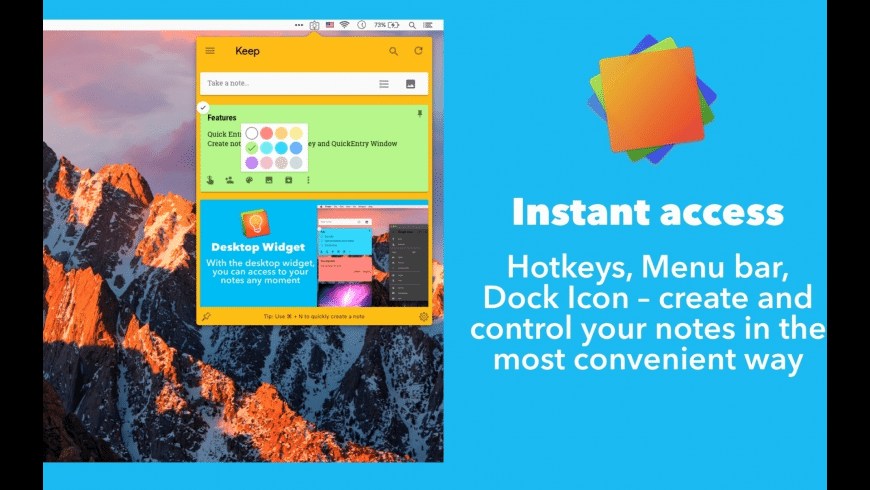
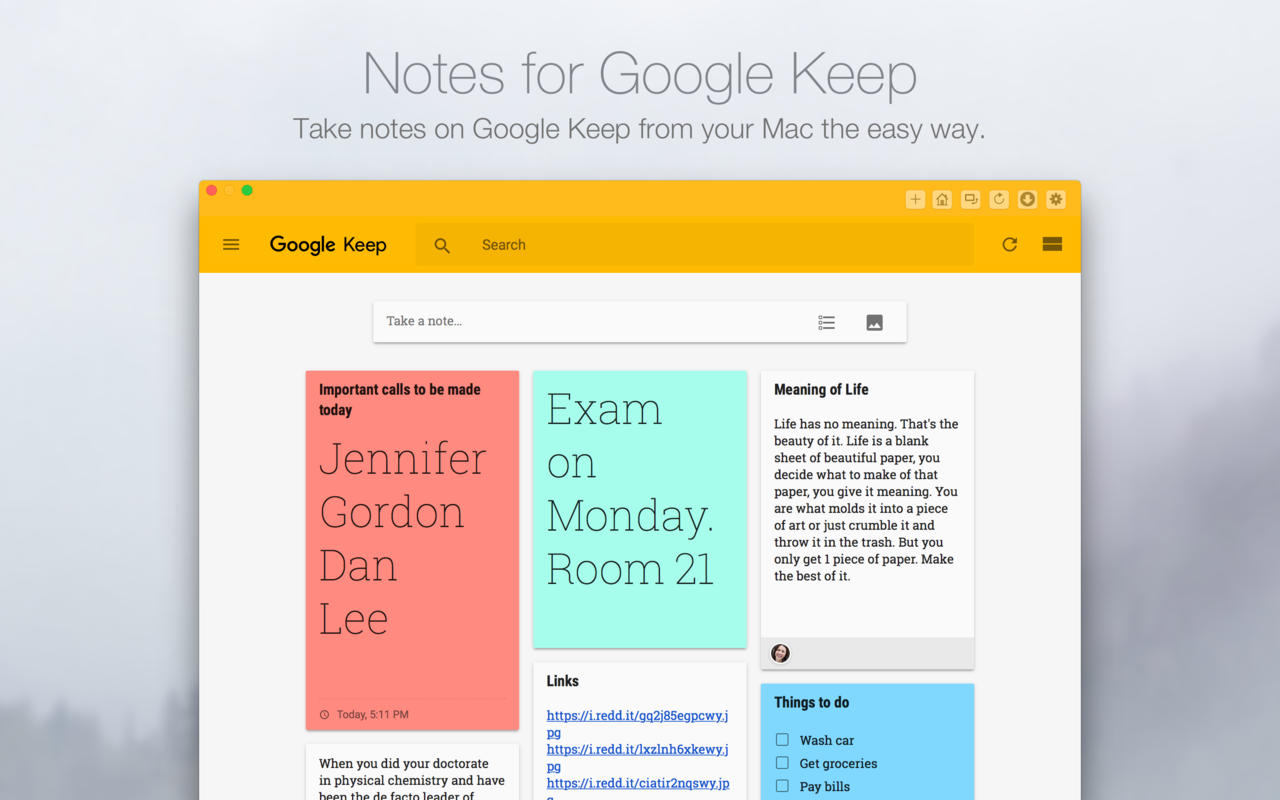
If you're seeing some of these problems with Chrome, you might have unwanted software or malware installed on your computer: Pop-up ads and new tabs that won't go away Your Chrome homepage or se. Publisher's Description. Notes for Google Keep is the easiest way to access Google Keep notes on your Mac and do every bit of it. Advantages of using Keep for Google Keep App: open app at login, display notes on Desktop. Add notes quickly from Status Bar icon. Make app transparent when inactive. Hot Key to open app faster. Sep 23, 2015 2- create good emoji pictures different than iphone to be for google. 3- fix links issues and google map links too. 4- increase the security of google keep. 5- lets work with iOS company to merge between iphone notes and google keep easily. ( this need high step cooperation) 6- give a chance to share from iphone studio to google keep easily.
1. Upload to Google Keep Manually
This step is the simplest of all and you can easily transfer your notes to Google Keep. I hope you already have Google Keep installed on iPhone.
Download Google Keep for iOSLaunch the Apple Notes app and open the note that you want to transfer. Tap on the share button to bring up sharing menu.
Scroll a little to the left to find the Google Keep option. As you would share a note with any other app, tapping on Google Keep here will create a Keep note with the exact title and description as your Apple Notes. Google Keep will ask you to choose an account (if you have more than one Google ID), change title or description, and most importantly, add a label so you can find the note later using the search feature. When you are done, tap on Post to save the note in Google Keep.
Do note that you cannot create new labels here and can only choose from existing options. Make sure to create new appropriate labels for your Apple Notes before you begin the transfer.
Also on Guiding Tech
How to Organize Your Notes in Google Keep
Read More2. Apple Notes to Gmail to Google Keep
At times, you just want to sync data between iPhone and Android, but neither Google nor Apple offers a nifty option for specific apps. Even the iPhone to Android switch app doesn't copy those Notes to Keep. In this situation, if you have hundreds of thousands of Apple Notes, it can be difficult to share them all to Keep individually. That is where Gmail comes in.
Go to Settings and tap on Passwords & Accounts. Tap on Add Account here.
Select Google from the menu here and enter your login credentials. Your Google account will be added to your iPhone now. At the time of setting up, you will be asked to enable sync for different services. Toggle Notes here.
After adding your Google account, download the Gmail app from the App Store and sign in using the same Google ID. By default, your notes sync to iCloud. Now, they should be syncing to Google too. When you open the Gmail app, you should see a new label called Notes where you will find all the notes.
Going by our example, you will now see the note under a new label Notes in Gmail.
If you want to change the default settings so that all new notes are now saved in Gmail and not in iCloud, open Settings and tap on Notes where you will select Default Account option.
Now tap on Gmail to choose a new default account to save new notes in Apple Notes.
Open the note in Gmail on your PC and you should see Keep shortcut in the sidebar.
You will have to open Keep there and manually copy the contents of the note from Gmail to Keep. Repeat this for each note on Gmail that you want to see in Keep.
Note that Apple Notes that are synced to Gmail, and not iCloud, will not appear here. It is also one-way sync so you can’t edit notes in Gmail and expect the changes to reflect in the Notes app on your iPhone. You can only view it. However, if you delete notes in Gmail, it will be deleted on your Phone too. That's rather odd, isn't it?
Also on Guiding Tech
How To Use Nested Lists in Google Keep: A Detailed Guide
Read More3. iCloud to Google Keep Manually
The last method in the list is the iCloud method. Open Chrome or any browser on your PC and launch iCloud and Keep in two separate tabs or windows. You will now have to manually open each note in iCloud, copy its contents, and create a new note in Keep to paste the same. You can then add labels, color code them, and add additional info if you want.
Notes to Keep
I wish things were different and there really was a more straightforward way to transfer all your iPhone notes from the Notes app to Google Keep. Unfortunately, as popular as Google Keep has become, Google still doesn't offer an easier option to do that. However, we always have the above methods to do it without losing out any data or involving any third-party app.
Next up: Want to know which is a better choice? Google Keep or Evernote? Here is an in-depth comparison.
Read NextGoogle Keep vs Evernote: How Do They Compare in 2018Also See#Google Keep #iphone #notesDid You Know
Google Keep For Mac Air
The iPhone XS Max run graphics 50 percent faster than the older iPhone X.